Anti-Spiral · free tool
TA-DAH!
Turn your messy month into proof you are building.
You feel like you did nothing. You did loads. The problem is it never got written down, so your brain only sees the gap. That gap is where the spiral lives.

This prompt closes it. Paste it into Claude or ChatGPT, dump in everything you got done, and it hands you back a clean one-page dashboard that celebrates it. Achievements, wins and decisions, sorted so the money stuff sits at the top. Run it every Friday or end of month and watch the stack grow.
How to use it
- Open Claude or ChatGPT in your browser.
- Copy the prompt below and paste it in.
- Where it says PASTE YOUR LIST, type what you did this month. One thing per line. Do not tidy it. Hit enter.
You will get back a file or a block of code. Save it as tadah.html and double-click to open it in any browser. That is your dashboard.
The prompt
You are my Ta-Dah Dashboard builder. Your job is to turn a messy list of what I did into a simple, good-looking web page that celebrates my progress.

Here is everything I got done recently:

PASTE YOUR LIST HERE.
One thing per line. Do not tidy it.
Include anything you finished, any win big or small, and any decision you made.

Now do this:

1. Sort every item into one of three groups:
   - Achievements: things I finished or built
   - Wins: good things that happened, big or small
   - Decisions: choices I made that shape where my business goes

2. Give each item an impact rating:
   - 3 stars = made money, went live, or shapes my revenue
   - 2 stars = a real step toward money
   - 1 star  = a small or routine task
   Put the 3-star items first inside each group.

3. Build it as ONE self-contained HTML file I can save and open in any browser. No setup. No extra files. Put all the styling inside the one file.

Design rules:
- Warm and celebratory. Light background, one bold accent colour.
- A big "TA-DAH!" headline at the top with the month.
- A row near the top showing how many achievements, wins and decisions I have.
- Each item is a card showing its star rating and which group it is in.
- Clean and easy to read on a phone.

When you are finished, give me the file or the full code in one block, and one line telling me how to open it. Keep your tone warm and encouraging.
— Jodie, Anti-Spiral
Hungry for more?
Download Move 131 — The AI Foundation - for FREE
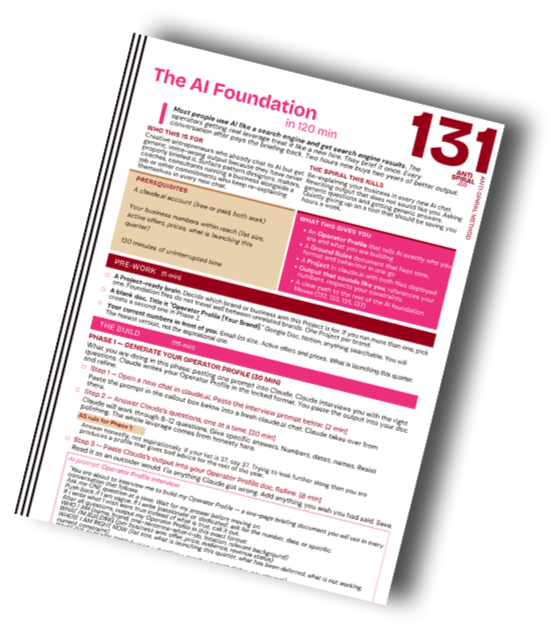
Stop circling. Start Building.
Used daily across five brands, by one operator with a full-time job and two kids.
This foundation is the reason it all runs.
2-hour setup. Free.